Advanced Flight Assistance
Modern EFB App for MSFS 2020 / 2024
The Navigraph Charts Alternative Built for Modern Flight Simmers.
The Navigraph Charts Alternative Built for Modern Flight Simmers.
Explore the professional tools designed for serious flight simulation.
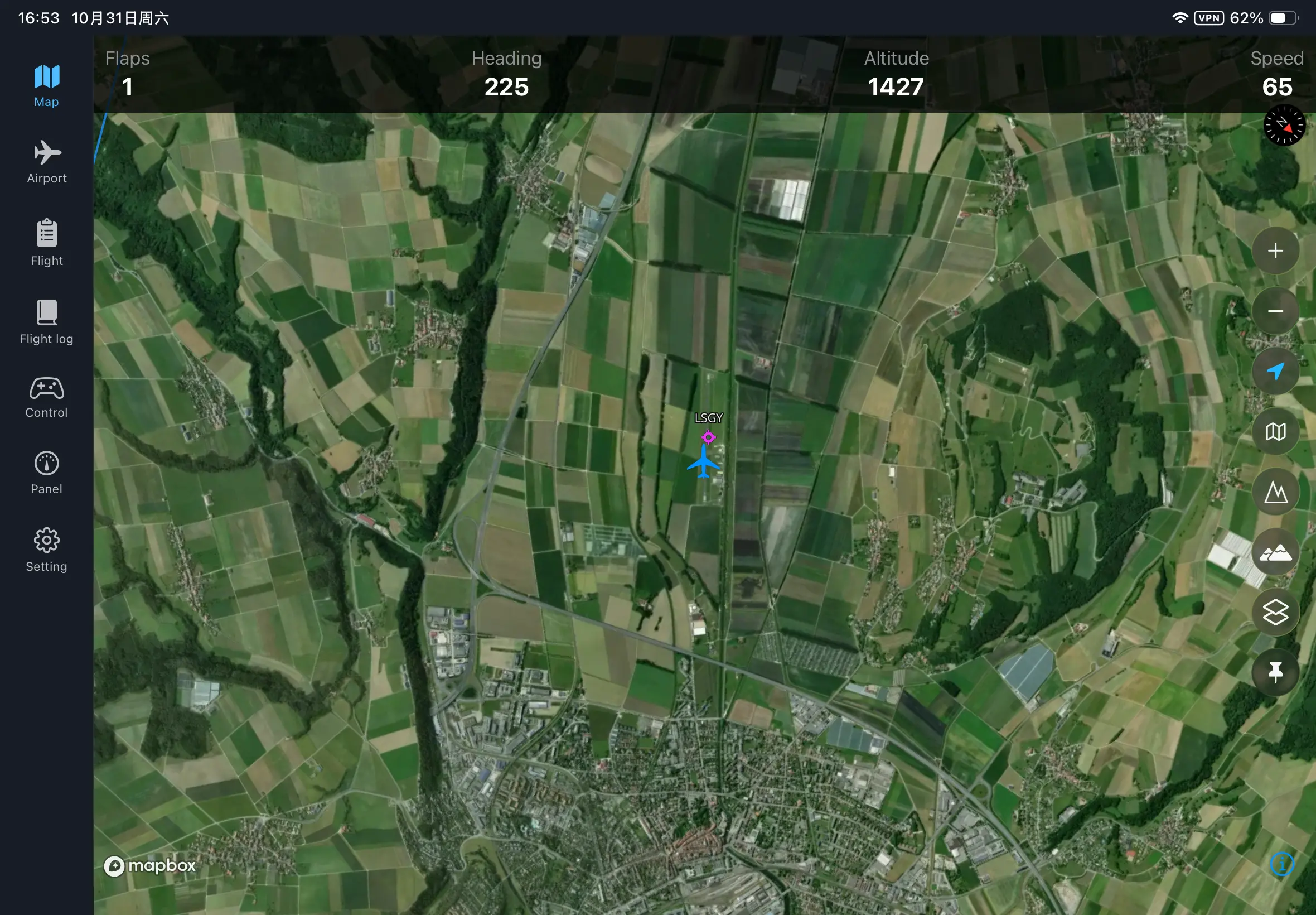
High-frequency position synchronization (up to 120Hz) ensures your aircraft icon glides across the map without stuttering, providing a real-time navigation experience identical to modern avionics.
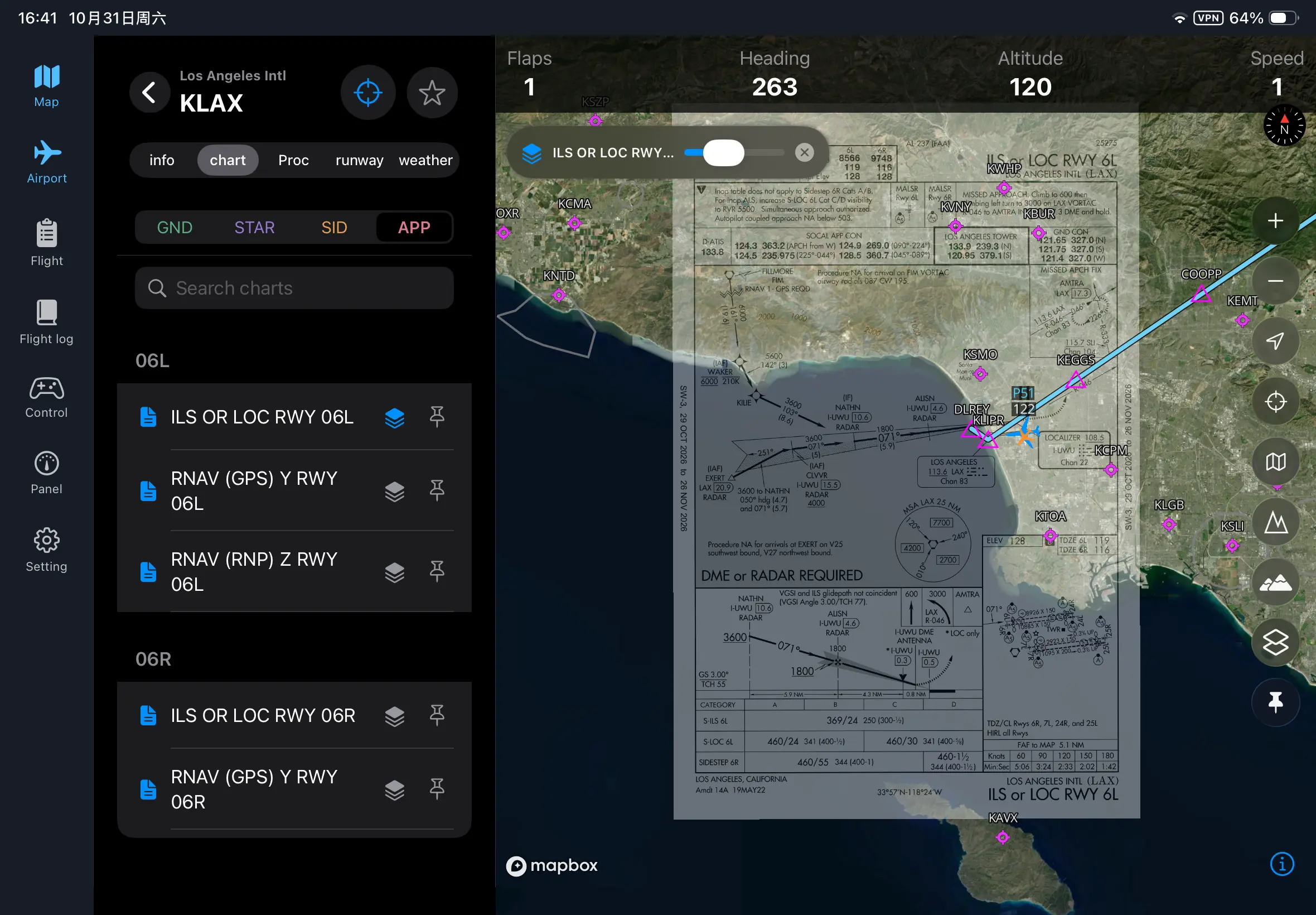
Access a comprehensive database of over 65,000 professional AIP charts worldwide. From SID/STAR to Approach plates, everything you need for a precise instrument landing is integrated directly into your cockpit workflow.
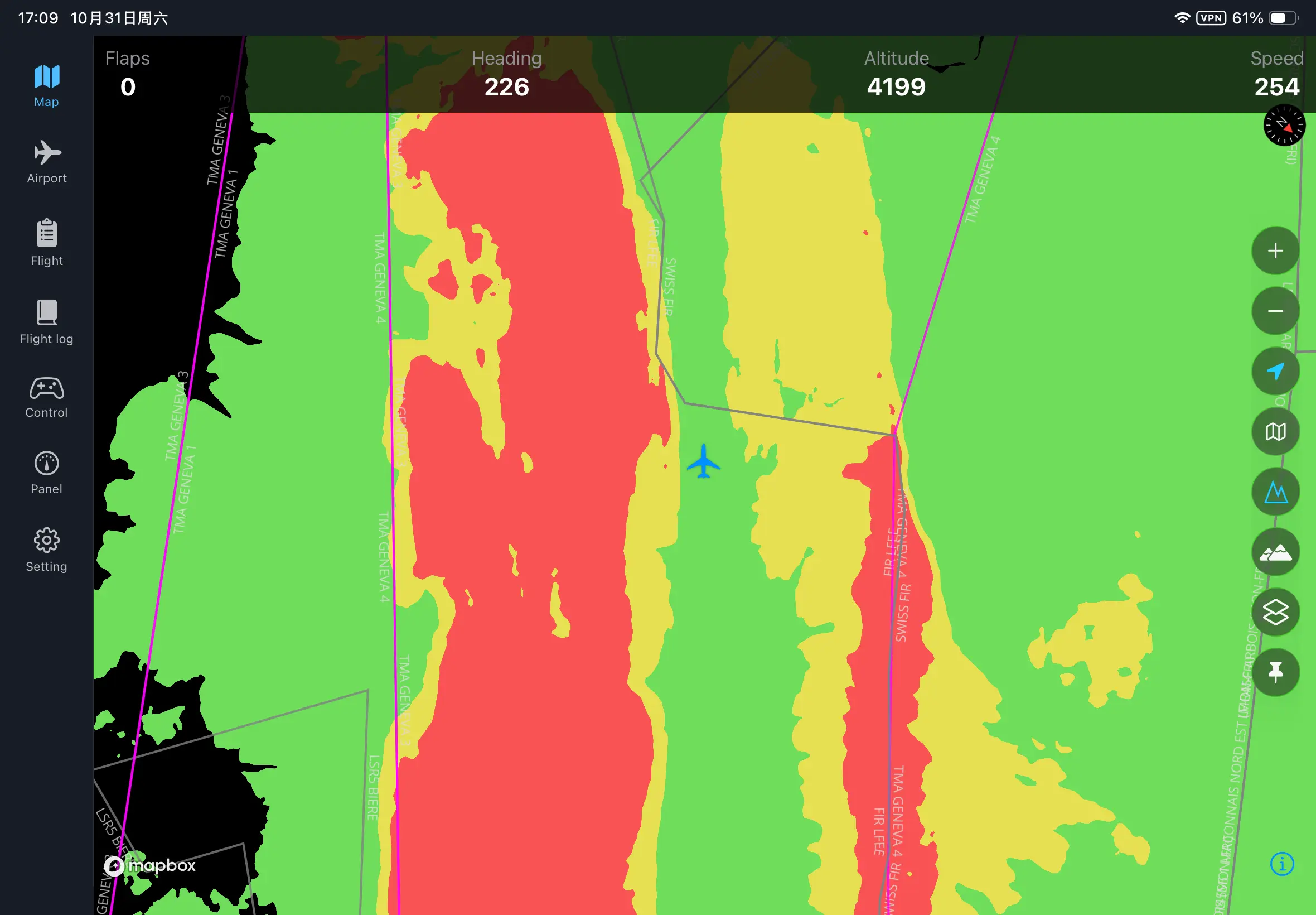
Fly safely in mountainous regions. Our dynamic terrain radar colors the map based on your relative altitude, highlighting potential obstacles and terrain conflicts in real-time.
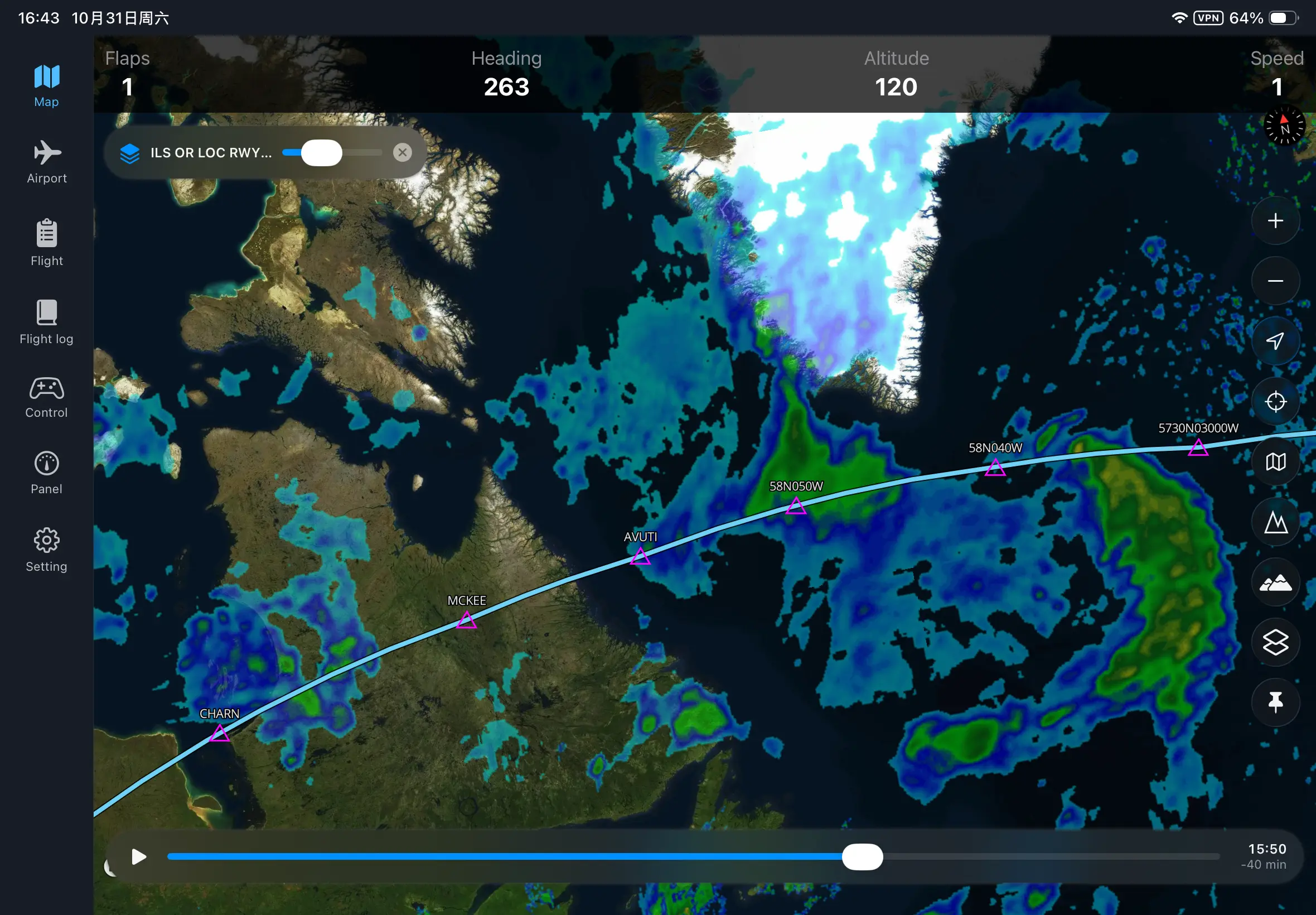
Avoid the storm. Integrated global precipitation data allows you to visualize weather patterns directly on your route, helping you make critical go/no-go decisions.
Import SimBrief plans or create custom routes using SID, STAR, and Airways. Visualise your entire flight path and vertical profile with a few taps.
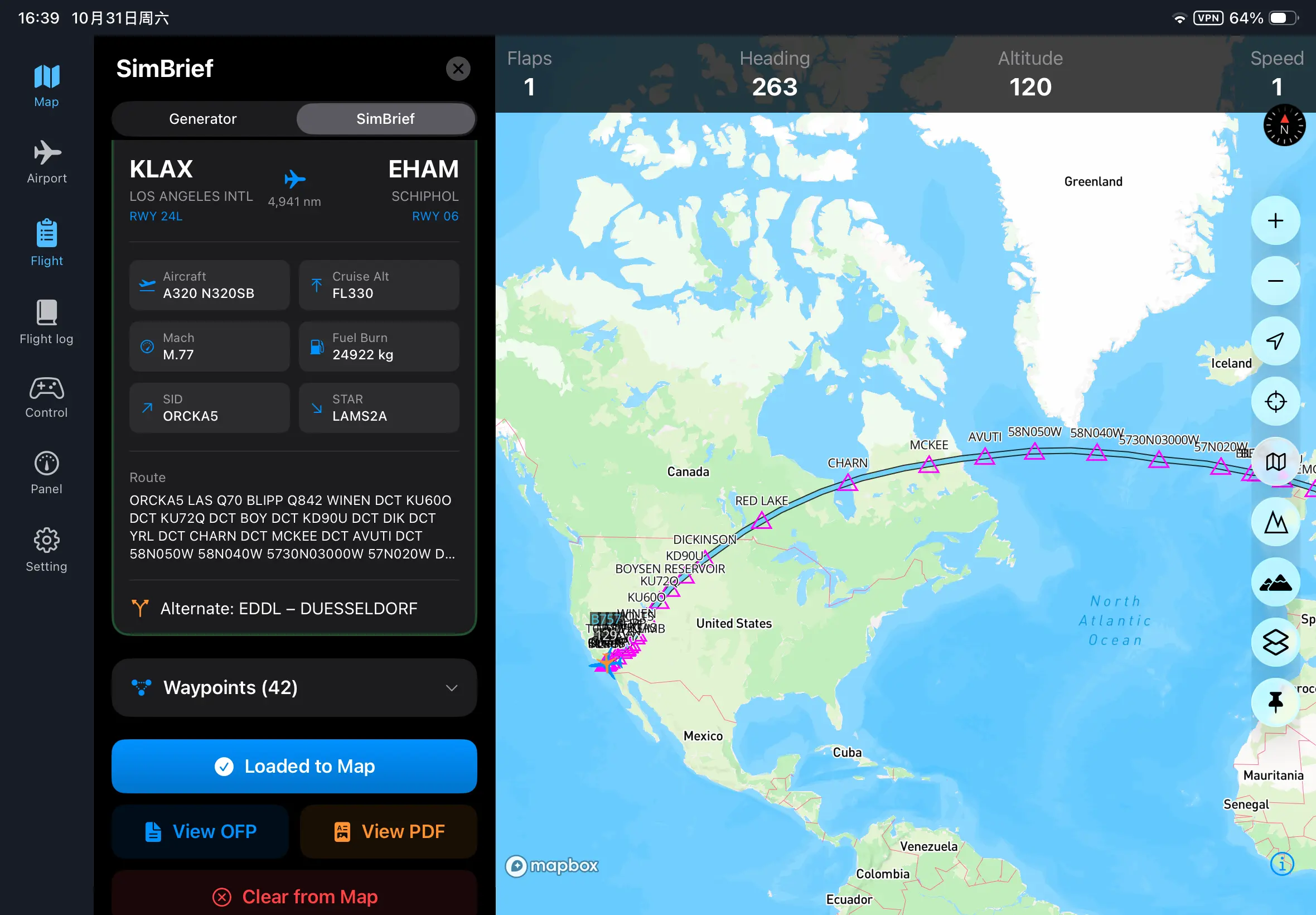
See other pilots and active ATC sectors on the map. Perfect for VATSIM or IVAO flyers who need to stay aware of surrounding traffic and controller boundaries.
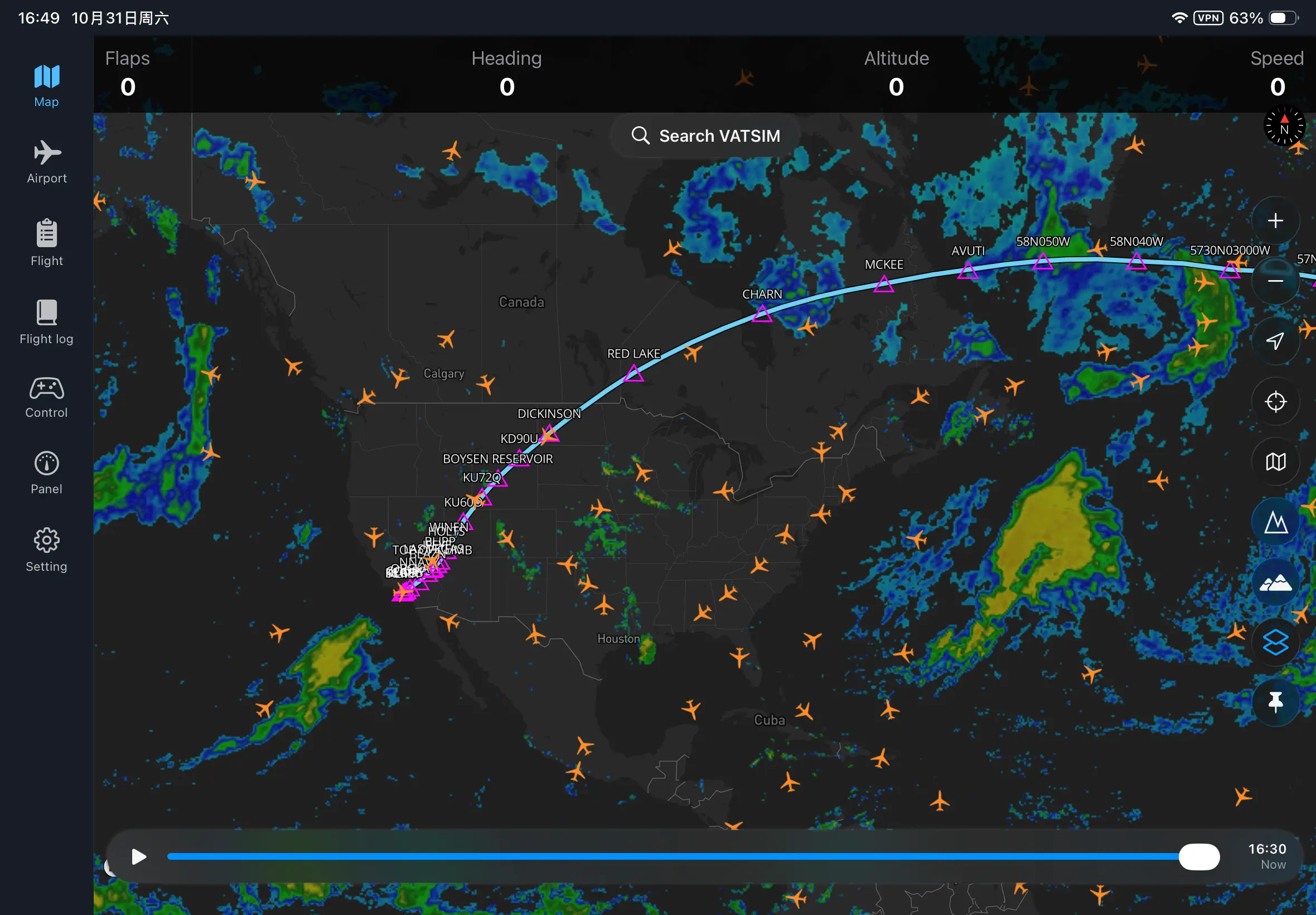
Seamlessly record your entire flight path from takeoff to touchdown. Relive your flights from an interactive 3D perspective and gain valuable insights into your piloting skills with comprehensive landing analysis.
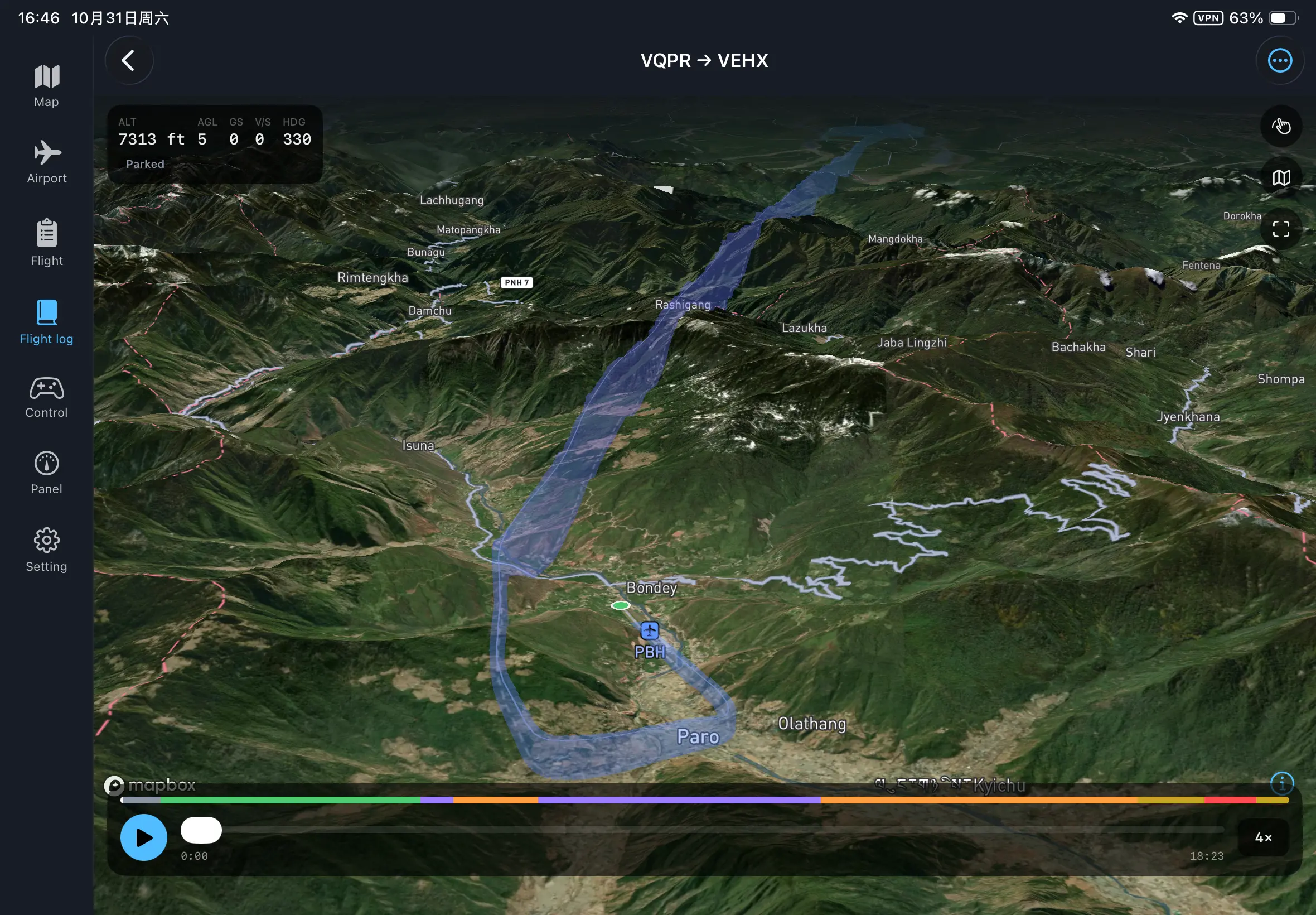
Run the Bridge Server on your PC and ensure your mobile device is on the same local network.
NoNo, this software is only supported on PC.
Because this EFB connects directly to your flight simulator to read live telemetry and render features (such as overlay gauges, moving maps, or in-cockpit windows), it utilizes DLL memory injection and low-level system hooks. Antivirus tools and Windows SmartScreen frequently flag DLL injection techniques out of an abundance of caution, as malware sometimes uses similar memory-loading methods. This is a false positive and a very common occurrence for community-created flight sim tools. How to safely proceed: Windows SmartScreen ("Windows protected your PC"): Click More info on the blue popup window. Click Run anyway to launch the EFB. Browser Warnings (Edge / Chrome / Firefox): Open your browser's Downloads page (Ctrl + J), locate the file, and click Keep or Keep anyway. Antivirus Interception / Quarantine: If your antivirus blocks the application or prevents it from injecting into the simulator, simply add the EFB application folder to your antivirus Exclusions / Whitelist list.
Please ensure you have downloaded and are running the latest version of the PC Bridge Server. You can find the download link at the top of this page. Outdated server files may cause connection or data synchronization issues.
Basic features are free, while advanced features require a one-time purchase.