Advanced Flight Assistance
Modern EFB App for MSFS 2020 / 2024
Experience seamless flight tracking with high refresh rates and professional-grade aviation data.
Experience seamless flight tracking with high refresh rates and professional-grade aviation data.
Explore the professional tools designed for serious flight simulation.
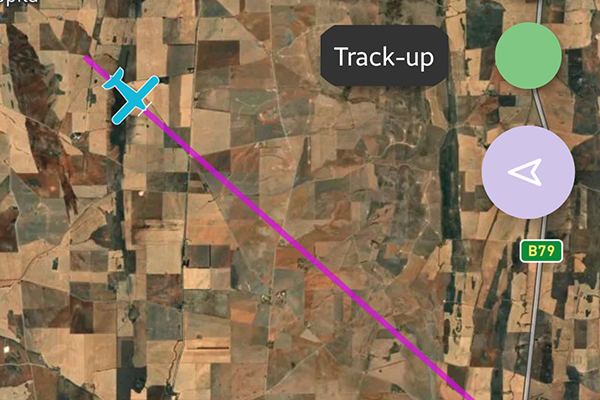
High-frequency position synchronization (up to 120Hz) ensures your aircraft icon glides across the map without stuttering, providing a real-time navigation experience identical to modern avionics.
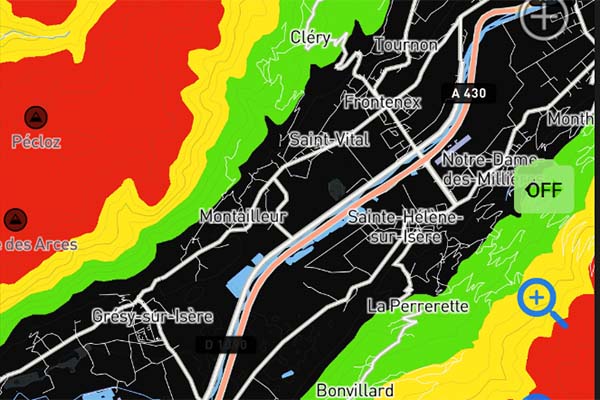
Fly safely in mountainous regions. Our dynamic terrain radar colors the map based on your relative altitude, highlighting potential obstacles and terrain conflicts in real-time.
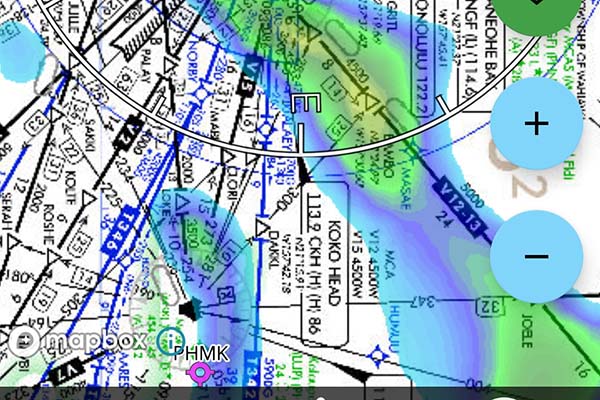
Avoid the storm. Integrated global precipitation data allows you to visualize weather patterns directly on your route, helping you make critical go/no-go decisions.
Import SimBrief plans or create custom routes using SID, STAR, and Airways. Visualise your entire flight path and vertical profile with a few taps.
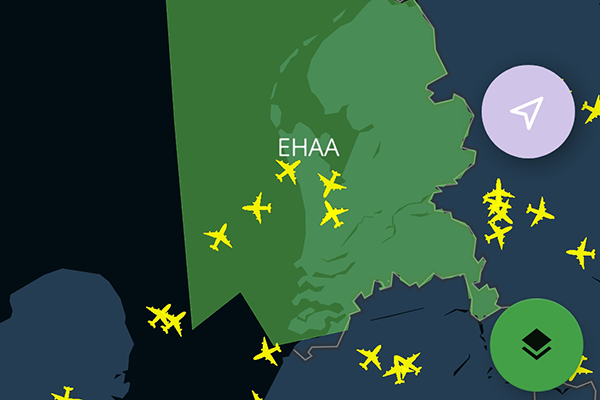
See other pilots and active ATC sectors on the map. Perfect for VATSIM or IVAO flyers who need to stay aware of surrounding traffic and controller boundaries.
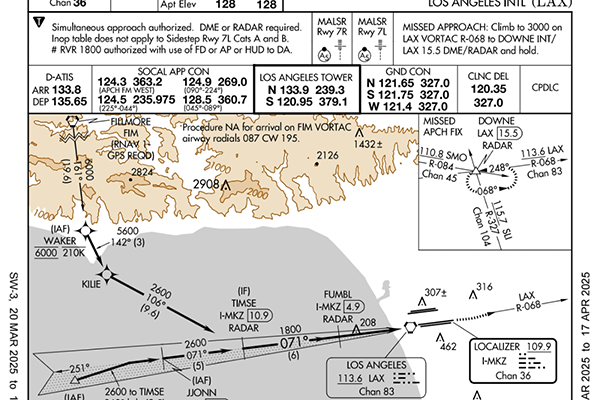
Access a comprehensive database of over 65,000 professional AIP charts worldwide. From SID/STAR to Approach plates, everything you need for a precise instrument landing is integrated directly into your cockpit workflow.
Run the Bridge Server on your PC and ensure your mobile device is on the same local network.
Yes, MSFS MAP NG fully supports both MSFS 2020 and the latest MSFS 2024 via SimConnect.
This is a known display bug in the current version. Rest assured that your membership is active and all features are unlocked. We are working on a fix, and this will be resolved in the next update.
Please ensure you have downloaded and are running the latest version of the PC Bridge Server. You can find the download link at the top of this page. Outdated server files may cause connection or data synchronization issues.